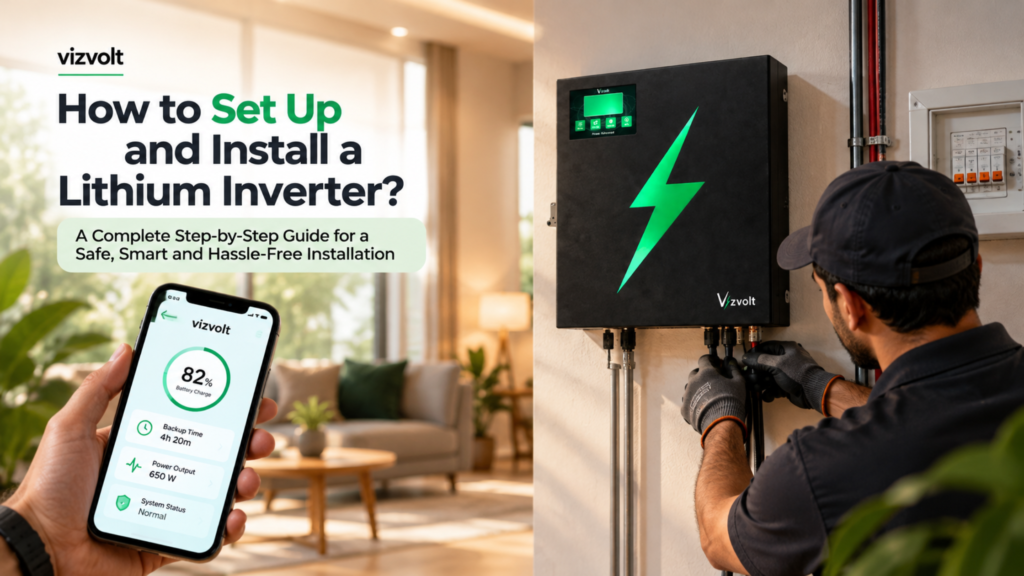
How to Set Up and Install a Vizvolt Lithium Inverter: A Complete Homeowner’s Guide
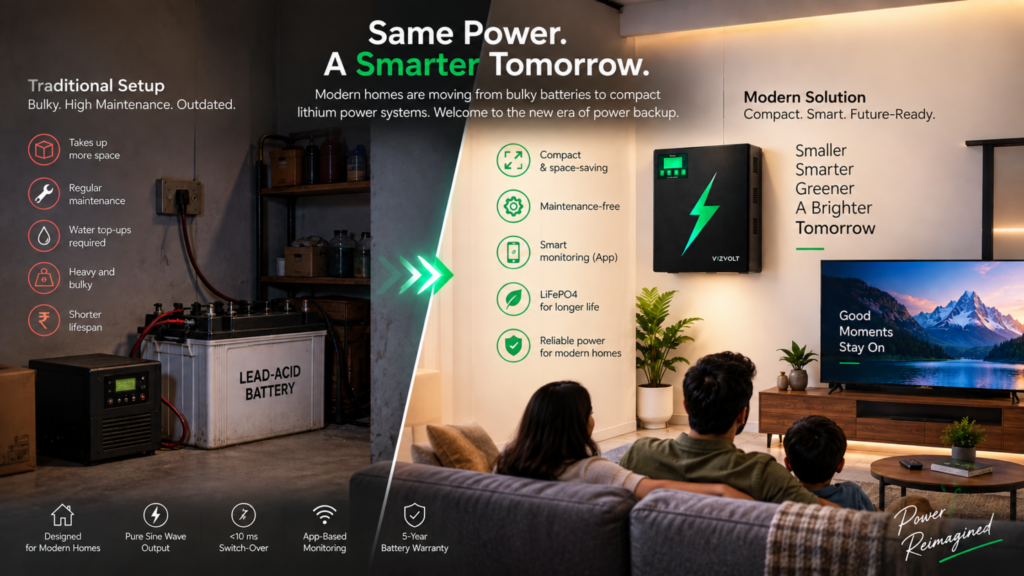
Imagine coming home after a long day, switching on your lights, connecting to Wi-Fi and enjoying your evening without worrying about your backup system taking up space or demanding constant maintenance. That is the kind of everyday convenience modern power solutions should offer. A Vizvolt lithium inverter installation is about more than placing an inverter on a wall. It involves selecting the right location, checking your home’s power requirements, ensuring safe electrical connections and setting up smart monitoring wherever supported by your model. Traditional inverter setups can come with bulky batteries, regular maintenance and questions about backup performance. A modern lithium inverter offers a different approach by combining compact design, lithium battery technology and intelligent monitoring in one system. In this guide, we will explain how to prepare for installation, what happens during setup, how to get started with smart monitoring and what to check before using your new system. Important safety note: Electrical installation, wiring, protective devices and commissioning should be performed by a qualified professional in accordance with the manufacturer’s instructions and applicable electrical safety requirements. Never open the inverter enclosure or attempt live electrical connections yourself. Table of Contents 1. What Is a Vizvolt Lithium Inverter? Vizvolt is a smart power-backup brand designed around lithium battery technology, compact product design and connected monitoring. A Vizvolt lithium inverter combines power conversion and lithium-based energy storage in an integrated system, depending on the model. Instead of treating backup power as a separate battery tucked away in a corner, it brings the system into a more compact and contemporary form. For homeowners, the appeal is straightforward: dependable backup, less routine battery maintenance and a more informed way to understand system performance. Depending on the model and its supported features, the system may include: For example, Vizvolt’s 1.1 kVA model has been described with a 12.8V, 100Ah lithium battery and approximately 1.28 kWh of nominal energy storage. Always verify the specifications of the exact model you are purchasing before planning your installation. 2. Why Proper Installation Matters Even a well-designed inverter needs the right installation environment to perform as intended.A professional Vizvolt lithium inverter installation ensures that the system is positioned correctly, connected according to the manufacturer’s instructions and tested before everyday use. An unsuitable location, inadequate electrical protection, incorrect connections or poor ventilation can affect reliability and create safety risks. The installation must also account for the home’s electrical load, the condition of the existing wiring and the requirements of the selected model. A professional installation helps ensure that: The goal is not simply to get the inverter switched on. It is to ensure that the entire backup system is suitable for your home. Step 1: Understand Your Home’s Backup Requirements Before scheduling a Vizvolt lithium inverter installation, identify what you want to keep running during an interruption in the mains supply. Start by listing the appliances you expect to use. For example: Appliance What to consider LED lights Number of lights and their wattage Ceiling fans Total wattage and starting characteristics Wi-Fi router Continuous operating requirement Television Power consumption and usage duration Laptop and phone chargers Combined load during use Refrigerator Compressor starting surge and running load Air conditioner Starting current and higher power demand This exercise helps your installer understand the expected load instead of guessing which system will suit your home. How do you estimate your backup needs? There are two useful measurements: power and energy. Power, measured in watts (W), describes how much electricity your appliances need at a particular moment. Energy, measured in watt-hours (Wh) or kilowatt-hours (kWh), describes how much electricity they consume over time. For example, if your lights, fans and router together consume 150 watts and you want to run them for four hours, the basic energy requirement is: 150 W × 4 hours = 600 Wh. This is a simplified estimate. Actual backup depends on usable battery capacity, conversion losses, battery-management limits, load changes and operating conditions. A battery’s advertised energy capacity is not the same as the energy available to your appliances. Your installer should calculate realistic usable energy for the selected system. Also remember that an inverter’s kVA rating is not interchangeable with its battery’s kWh rating. The inverter’s output rating, power factor, surge capability and permitted load must all be considered. Practical tip: If you are moving into a new home, make your appliance list before the installation appointment. If you are replacing an existing inverter, note which appliances it currently supports and where you need better performance. Step 2: Choose the Right Installation Location The location affects safety, accessibility, cooling and the overall appearance of your installation. A compact lithium inverter may fit neatly into a utility area or a dedicated electrical zone. However, its size alone should not determine where it goes. What makes a suitable location? A dry environment: Choose a place protected from rain, leaks, water splashes and persistent moisture. Adequate ventilation: Follow the clearances specified in the installation manual. Do not cover ventilation openings or place objects against areas intended for airflow. A stable mounting surface: If the model supports wall mounting, the wall and mounting hardware must safely support the equipment’s weight. If floor installation is permitted, follow the manufacturer’s requirements. Protection from direct sunlight: Avoid locations where direct sunlight or nearby heat sources could cause the equipment to exceed its permitted operating temperature. Easy access: The installer should be able to inspect the system and perform approved servicing without moving furniture or dismantling unrelated fixtures. A controlled environment: Avoid areas exposed to flooding, excessive dust, corrosive substances or flammable materials. Where should you avoid installing the inverter? Avoid placing it in a damp bathroom, an exposed outdoor area without an approved enclosure, a cramped cupboard with inadequate ventilation or a location where children can access electrical terminals. Do not assume that every wall-mounted model can be installed in every orientation. The exact model’s mounting instructions take priority. For a clean home interior, consider the utility room or a designated service